

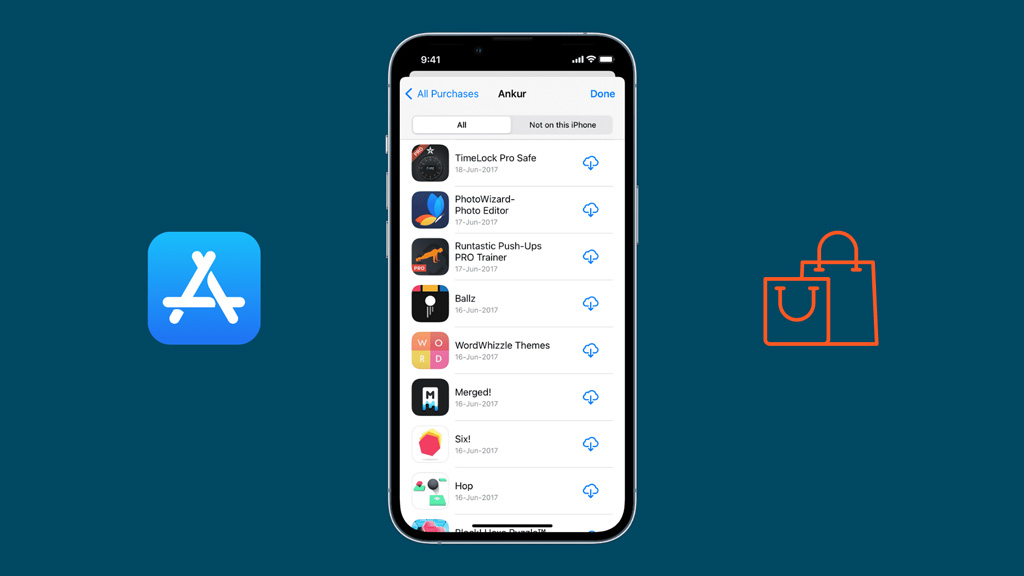
Apple has launched an important feature to save users' money. This can be transferred to digital products purchased between different accounts. This is a convenient arrangement, especially for those who use separate accounts for the iCloud and App Store or Apple TV.
Apple says users can now transfer the app, music, and other content to their secondary account to the initial account. The secondary account is commonly used for shopping. Apple has given detailed information about this process in a new support article.
However, this process must meet some conditions to work:
- The user must sign in to two Apple accounts on the iPhone or iPad.
- The location of the two accounts must be in the same region.
- The 'Two Factor Authentication' feature must be on accounts.
- The Secondary Account must be active in the media and 'Purchase' settings and have the ICLOW SIGN -SIGN -in the initial account.
- The Secondary Account cannot be part of any other family sharing group.
- The secondary account does not have any previous service balance, rental or pre -order.
- You have to wait 5 days after buying a digital product last.
The feature will work after these conditions are met.
Follow the steps below to launch the feature-
1. Open the settings app on the iOS device.
2. Tap on the name. Then tap the Media and Purchase.
3. Tap to the view account (if you have to sign in).
3. Now tap this in the 'Migrat Purchase' option.
3. Review the account information and follow the instructions to complete the transfer.
Once the process is finished, the Purchase will show a message called 'Hav Bin Migrated'.
Secondary account after transfer can no longer be used for digital product purchases.

