

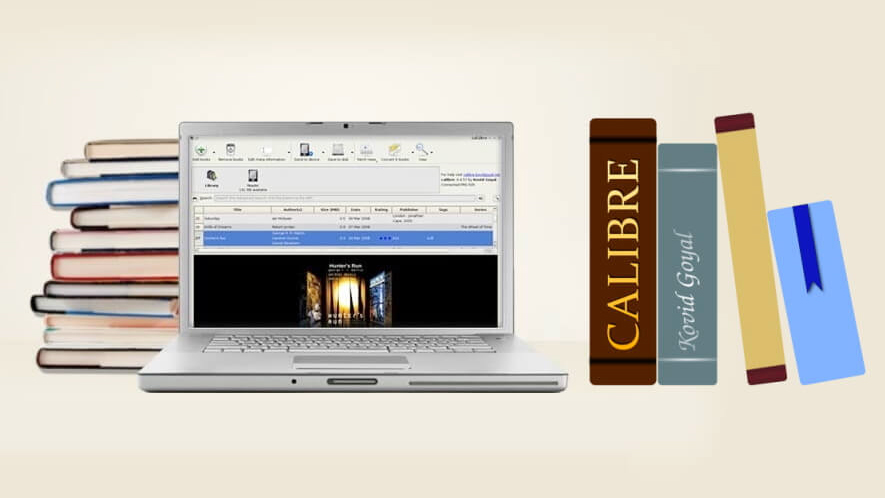
In the current digital age, reading and preserving e-books has become very popular. And in this case, 'Calibri' has come out as an essential tool. It is a free and open source e-book library management software, which does not only benefit the reading of the e-book, but also organizes them, transform and send them to different devices. In addition, the great benefit of using it is that no ad is shown in it.
In most of the formats in Calibry, the e-book can be read. It can work to convert e-book and create a catalog. It can go on the Internet to find a metadata for books. There are many types of features. Some of these important features are highlighted –
Library Management: It will keep your collection e-book beautifully. Calibrie books help to properly catalog, sort section -based and quickly find.
E-Book Conversion: Calibri can convert to different e-book formats. Such as: EPUB, PDF, Mobi, Azw 3.
Sanking with other e-book reader devices: Calibri can easily be associated with various e-book reader devices. Books can be sent or syncized from one device to another, so that the e-book reading experience is easier and convenient.
Downloading news from the web and converting to e-book format: Calibri is capable of collecting news and other information from the Internet. These downloaded news or information is converted to e-book format and prepare for reading.
E-Book Viewer: Calibrie provides a full e-book viewer that helps you read books and change the required Tukitaki settings.
Content Server for Online Access: Calibriers provide a content server to users, allows you to get your book collection online. This allows you to read your books from any device.
Document E-Book Conversion: Calibri can convert your personal documents to e-book or create them completely new. It contains automatic style helpers and script, which helps to create a book structure. With this convenience, you can easily turn your own document or other content to a beautifully decorated e-book. Where the book format, title, category and other components are automatically formed.
The devices that will work on the Calibri
Calibri will work with almost all types of e-book readers, phones or tablets. It also works on Windows, Mac and Linux devices. This can easily be sent from one device to another. The files can be sent to another device in the appropriate format, which will automatically convert it if necessary. This is a major advantage in e-book management.
Calibri can convert many input formats into different output formats.
Input format
AZW, AZW 3, AZW 4, CBZ, CBR, CB 7, CBC, CHM, DJVU, DOCX, EPUB, FB 2, FBZ, HTML, HTMLZ, LIT, LRF, MOBI, ODT, PDF, PRC, PDB, PML, RB, RTF, SNB, TCR, TXT, TXTZ
Output format
AZW 3, EPUB, DOCX, FB 2, HTMLZ, OEB, LIT, LRF, MOBI, PDB, PMLZ, RB, PDF, RTF, SNB, TCR, TXT, TXTZ, ZIP
Cloud storage
Calibri does not provide cloud storage. However, it is capable of being integrated with most of the main cloud providers, such as Gugal Drive, Dropbox, and ODRIVE. Through this, these platforms can be kept in the E-Book Library Cloud and access to that content from any phone or tablet.
This facility gives your library easily access to access from anywhere and synchronization in the device is easy.
Recently Calibrie's new version 4.1. 1 has been launched. The platform has improved further. The changes that have been brought to this version are highlighted –
Vast
From now on, the Kepub format files used in Calibree Cobo will support, view and conversion. It automatically converts EPUB to Kepub format when sending a book to the Cobo device.
Connection in the folder: Calibri can now be connected to a folder and recognizes that folder as a USBMS based device. This is especially beneficial for the Chromebook, where USB devices are actually displayed as folders, not as devices.
Table of Content Editor: Allowing to transfer multiple items selected at the Table of Content.
MacOS: The icons of the Calibrie app are now shown in the white frame in the 'Dock' in McS, which follows the current icon style of the app.
Cobo Driver: Germany's Tolino E-Book Reader is supporting a new firmware for the device.
Book Details: An option has been added to hide the search link to the author.
In this version several errors have been fixed –
Catalog Generation: Database notes are allowed to use templates.
Author Name Revival: An error was revised when the name of the comma associated author was revised.
Full Text Search: Calibrie will now index (or listed) text inside the ZIP and RAR archive file and can also be searched in that text.
E-Book Viewer: The current entry tracking has been fixed at the Table of Content, which was not working for some books.
Calibrie Tag: When reading the metadata from HTML, “Name =” Subject “meta tags will be identified as a Calibri tag.
E-Book Viewer: The viewer is not closed during the Internet signal. That is, when you press a key while reading the book or a manual interaction, the viewer is about to close. However, in the previous version, the viewer could not stop at some point or respond properly.
News sources below the new update have been added. They are-
- Linux Weekly News
- Spectator
- Economist
- Granta
- Hindu
- ১৮৪৩
- Barons
- Frontline
- Jawbao
- Strange Horizon
References: Tech spot

