

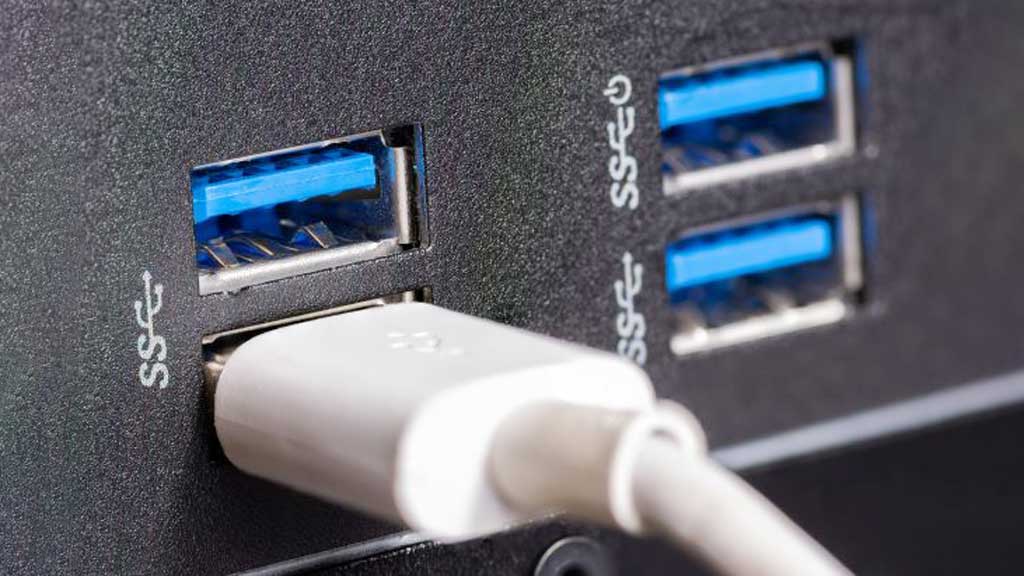
Many people get confused by the rows of USB ports on computers or laptops. Some black, some blue and even other colored ports are seen on these devices. However, the question arises whether these colors have any special properties or are added by the manufacturers just to look good. Buying a new PC usually doesn't come with a manual that explains the meaning of the colors. As a result, users have to guess what they do or search online for information about USB ports.
While USB port colors may not seem important at first, knowing their meaning can help you use the devices more efficiently. Many people may be confused by the different colors of USB ports, but in reality each color represents a specific USB standard or feature. It gives important information for users like data transfer speed and power output capacity.
Blue colored ports are available in two variants—classic blue and teal blue. Most importantly, the speed of USB ports has increased over time and the blue port is usually a high speed port. For example: USB 3.0 or USB 3.1 Gen 1, which are much faster than the older USB 2.0 standard.
What do the different port colors mean?
The difference between USB 2.0 port and USB 3.0 port can be understood through these colors. The classic blue color is usually used for USB 3.0 ports. USB 2.0 ports are usually black in color. These blue ports are also known as Super Speed USB. Blue ports were first introduced in 2008 and offer much faster data transfer than their predecessors. The maximum speed of USB 3.0 port is 5 Gbps (Gigabits per second) and the speed of USB 2.0 port is 480 Mbps (Megabits per second). This means—blue USB ports transfer data 10 times faster than black ports.
Blue colored USB ports support full duplex communication. That is, these ports can transfer data in both directions at the same time. For example, if you transfer files from an external hard drive to your computer, the hard drive can accept new commands without interrupting the transfer. On the other hand, USB 2.0 data can only flow in one direction at a time. Although blue USB ports are fast and advanced, they also work with USB 2.0 devices. That is, they can work with both new and old technologies.
Apart from this, light blue or teal colored ports are also seen on various PCs or laptops. These are USB 3.1 Gen 1, also known as Super Speed Plus ports. These ports can have data transfer speeds of up to 10 Gbps, which is double that of classic blue USB 3.0 ports.
These ports are suitable for devices such as USB docks. Those that need to transfer large amounts of data quickly.
References: Slashgear

