

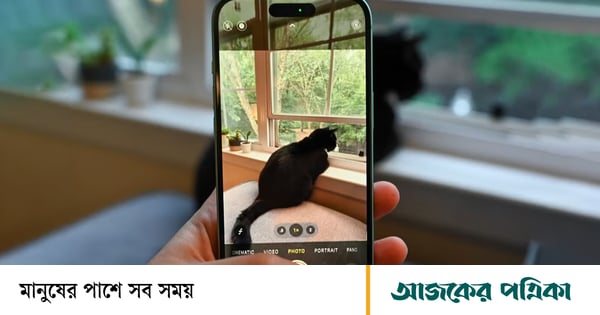
One way to preserve special moments beautifully is to convert Live Photos on iPhone to video. Live Photos captures movement and sound in seconds and converts them into videos to easily share the moments with others.
Live Photos automatically records and combines the 1.5 second moment before and after pressing the shutter button on the iOS device. As a result, a short-lived animated photo is created, which can easily be shared with any friend or family member via iMessage or 'Shared Photo Album'. But for this, the other person must have an iPhone, iPad or Mac.
The added movement of Live Photos adds depth to your images. Brings richness to the storytelling and helps make the viewing experience more engaging. This results in a fascinating opportunity to relive memories with motion and sound.
How to Convert Live Photos to Video
1. Launch Photos app on iPhone.
2. Tap the live photo you want to convert to video.
3. Then tap on the 'Share' button at the bottom left.
4. Then scroll through the options and select the 'Save as Video' option.
This way you can easily convert Live Photos into a video. However, in very old versions of iOS, the 'Save as video' option can be found in the 'More' (three dot icon) button.
References: Times of India

