

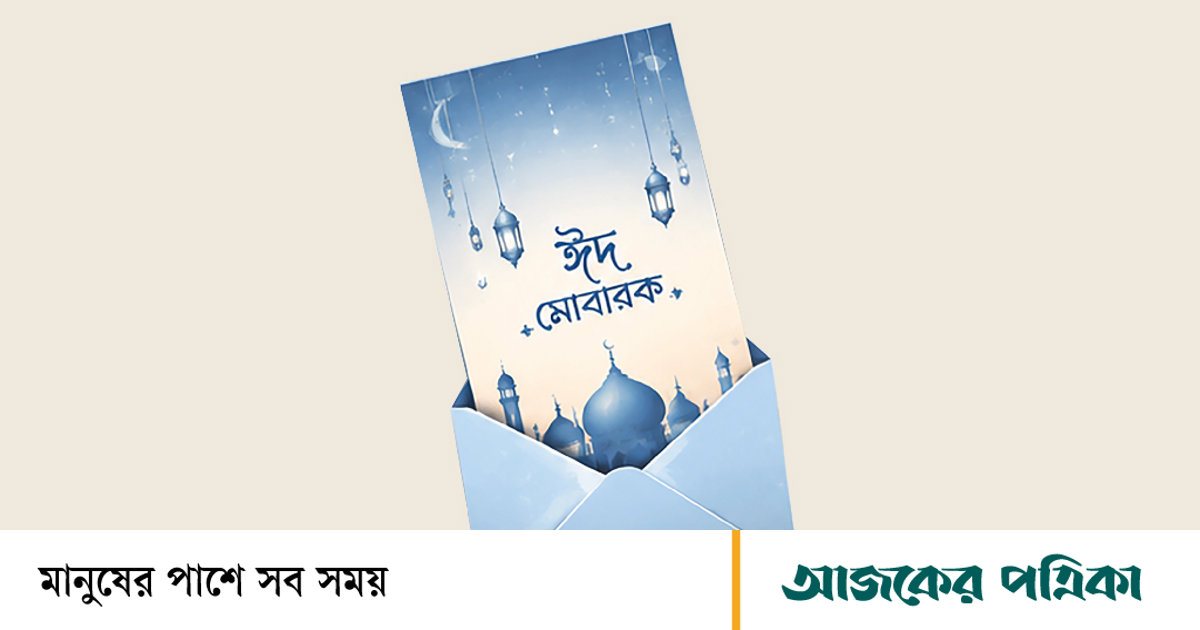
Do you remember the days of Eid al-Adha in the early nineties or early 2000s? The great excitement about the cow in the market or the huge busyness of cutting meat from the morning of Eid. In spite of this, Eid cards were used for a large part of our childhood. On the night before Eid, sitting in the drawing room, while the elders were settling accounts of meat distribution, a secret mission was going on in a corner of the room. Colored cards bought for 2 taka, 5 taka from the street corner shop, some with lace work, some with spray paint designs. And the eternal four lines ‘Eid means joy, Eid means happiness’ in shaky letters.
We are all digital now with the touch of technology. Eid greetings now mean an ‘Eid Mubarak’ status with a picture of a cow on social media, a forwarded message or a sparkling animated GIF. With one click, the responsibility of exchanging greetings is over! But the excuse of busyness is the lost taste of childhood during Eid
And it is possible to bring back the joy.
Best medium for mobile apps
You can download some apps from Google Play-Store or App-Store to make Eid cards quickly with just your smartphone without a computer. These apps are free to use. There are certain premium backgrounds and elements within the app, which require the paid version of the app.
Canva Mobile App
- Install the app, open it and login.
- Search by typing ‘Eid Card’ in the search bar.
- Tap on any free template of your choice.
- Enter your name or greeting by tapping on the text on the screen. If you want, you can also add photos from the smartphone gallery.
- Click on the arrow (download) icon on the top right to save to the card gallery.
- the designer
- Open the app and select ‘Greetings’ or ‘Cards’ from the category or search by typing ‘Eid’ in the search bar.
- Select one of the free templates.
- Change the text by touching the text. Change the background color or add new stickers or frames as needed.
- After work go to download option and save the card.
- Poster maker, flyer maker and graphic designer maker
- Open the app and select ‘Eid’ or ‘Festival’ category from the list of festivals on the home screen.
- Choose any of the ready-made templates.
- Enter the greeting message by going to the text option from the bottom toolbar. Here is the font style or
- There is an opportunity to give 3-D effect. You can also add Eid stickers from the sticker option.
- Click the save button and the card will be saved to the phone as a high-quality image.
Eid card creation through desktop
Canva
- Go to the site from the browser and login with Google or Facebook account for free.
- Search by typing ‘Eid Cards’ or ‘Eid Greetings’ in the search bar above.
- Select a free template that doesn’t have a ‘Pro’ or crown symbol on it.
- Enter your name or greeting by double clicking on text in the editing panel. You can change the color and font if you want.
- Go to the download by clicking on the share button on the top right. Select file type JPG or PNG and save to computer.
Adobe Express
- Go to Adobe’s website and create a free account and login.
- Enter ‘Eid’ or ‘Eid Card’ in the search box to bring up the free layouts.
- Select the desired template and click Customize.
- Place a new picture, moon-star or lantern icon by dragging with the mouse. Click on the text box and enter your greeting.
- When the work is done, click on the above download button and save the image in JPG or PNG format to the computer and send it to whoever you want.
In the digital age, the familiar om of handwriting, the thrill of opening an envelope and the ever-familiar nostalgia of flipping a card may no longer be available.
But the warmth of sending greetings can be found. You can write and send old memories to friends. It will make Eid more colorful.

