

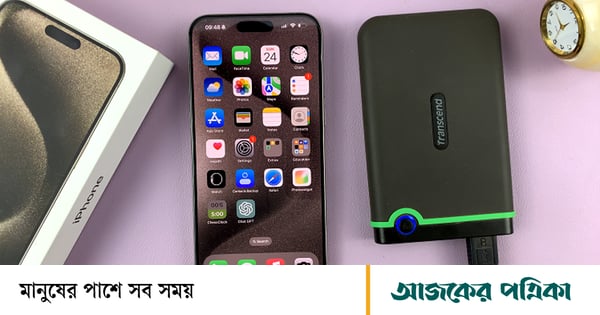
External hard drive is used to store various files including images, videos. Formatting these devices may be necessary for various reasons such as freeing up storage or getting rid of viruses. With the new iOS 18 and iPadOS 18 updates, external hard drives can now be formatted directly from iPhone and iPad. This feature works with various external storage devices such as: hard disk, USB drive and SD card.
This new feature means that storage devices don't have to rely on a PC or Mac to format them. This feature is especially useful when one does not have a computer close at hand.
Data on the external drive can be erased and formatted using the Files app on the iPhone or iPad. External storage drives can be formatted using any of the three file systems in the Files app.
১. APFS: Apple File System (APFS) is optimized for Apple devices. It can perform faster and better file management on Apple hardware. If you plan to use the drive only with an Apple device such as an iPhone, iPad, or Mac, it's best to choose this format.
2. XFAT: It is compatible with both Apple and Windows devices. If files need to be shared between different platforms, XFAT is a good option. It supports large files. This means that videos, pictures, and other large files can be stored easily.
3. MS-DOS: It is commonly known as 'Fat 32'. It is quite an old system and works with most devices. But it has a file size limit of 4 GB. It is suitable for storing small files.
Follow the steps below to format external drive with Apple Files app—
1. Connect the storage drive you want to format to the iPhone or iPad's charging port directly or using an appropriate adapter.
2. Then launch the Files app.
3. Go to the browser tab and find the name of the 'External Dive' under the 'Location' section.
4. Press and hold on the name of the external drive and then tap on the 'Erase' button from the menu.
5. Specify a new name for the drive and select the preferred format option.
6. Tap on the 'Erase' option at the top right side and tap on the 'Erase' option again to confirm the format.
References: Slashgear

